
Game day: check-in, walk-ins and no-shows
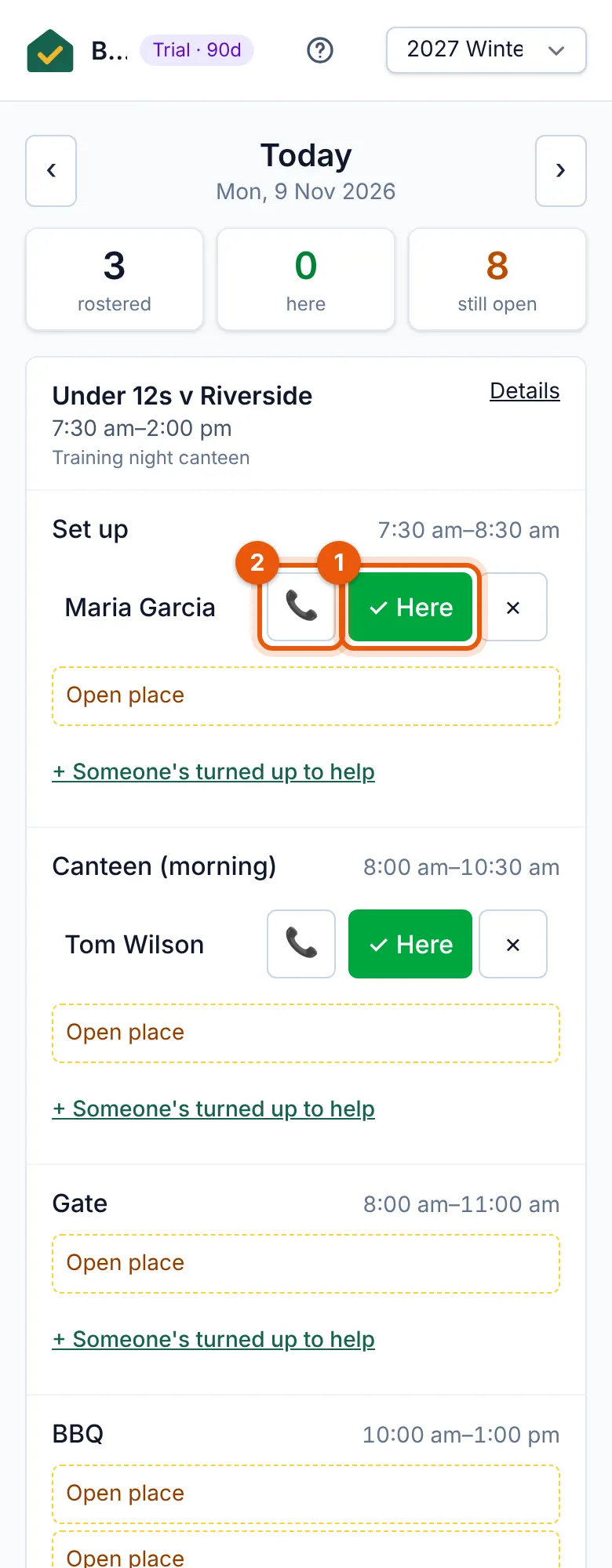
Today’s shifts on your phone: mark people here, call no-shows and fill open places.
Examples use Bluegum Valley JFC, a made-up club. About the sample club
It's 8 am at Bluegum Reserve. Priya opens Game day on her phone: every shift today, from every roster, with who's on it.
 (full size, opens in a new tab)
- One tap marks someone here; their duty is credited.
- Call someone who hasn’t arrived yet.
- One tap marks someone here; their duty is credited.
- Someone hasn’t shown? Their call button is right there, and you can mark them as a no-show.
- A parent offers to help? Put them on an open place: pick their name, or type an email address and DutyHouse finds their family.
- Show the sign-up QR code full screen so people can book their next shift on the spot.
Tip: Volunteers can also check themselves in from their booking link during the check-in window.