
Get all your data out
Download a spreadsheet of your families, people, bookings, duty credits and refunds, any time, on every plan.
Examples use Bluegum Valley JFC, a made-up club. About the sample club
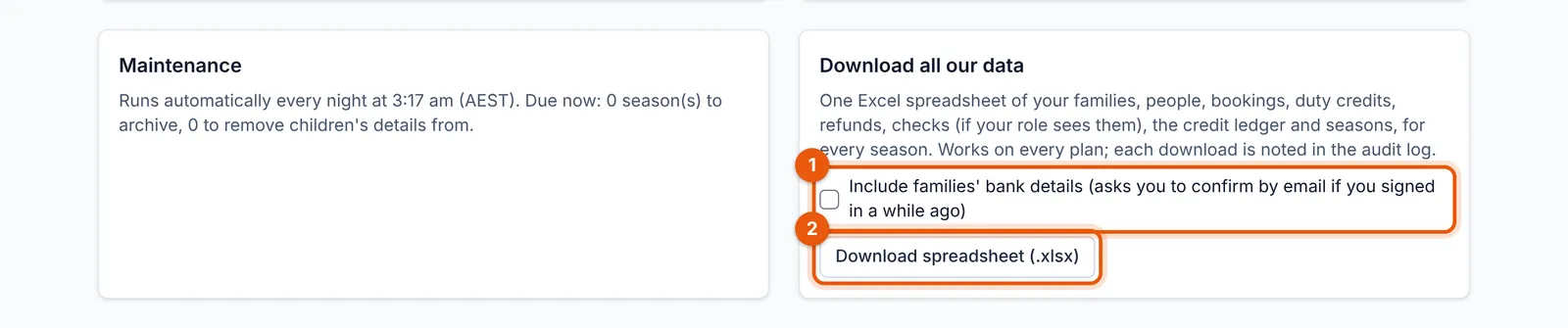
“What if we stop using it?” is a fair question for a treasurer to ask. An administrator can download everything from Settings → Download all our data: one Excel spreadsheet with a tab each for families, people, bookings, duty credits, refunds, Working with Children Checks, the credit ledger and seasons.
 (full size, opens in a new tab)
- Tick this only if you need families’ bank details (if you signed in a while ago, it asks you to confirm by email first).
- Download the spreadsheet.
- Bank details are left out unless you ask for them; then they need a recent sign-in and a role allowed to see them.
- Every download is recorded in the audit log.
- It works on every plan, including Free, so your records are always yours.