
Your club’s web page
A simple page at yourclub.dutyhouse.com with open shifts, events, teams, fees and an enquiry form.
Examples use Bluegum Valley JFC, a made-up club. About the sample club
- Go to More → Web page and choose your web address.
- Fill in the sections you want: welcome, teams and training, fees, find us and committee, sponsors. Choose a look.
- Save changes, check the preview, and publish. Take it offline any time.
 (full size, opens in a new tab)
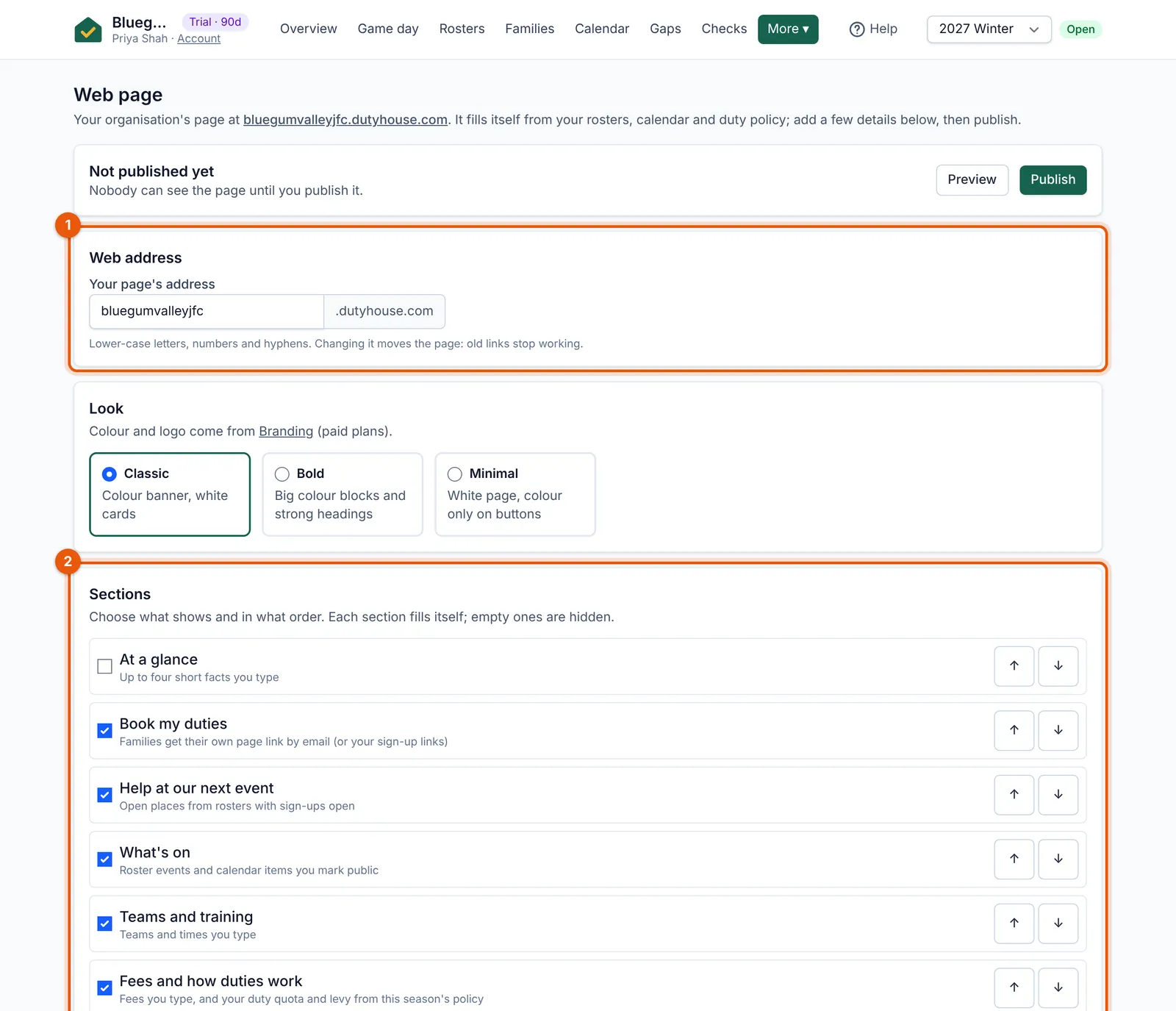
- Choose your web address.
- Tick the sections to show and put them in order.
- Open shifts and upcoming events come straight from your rosters and calendar.
- A “Register to play” button can link to your registration page on PlayHQ, GameDay, TeamApp, Revolutionise SPORT or TidyHQ.
- Enquiries from the form arrive under More → Enquiries.